Lab 5: Supervisor Agent
Goal: one chat that answers both data questions (Genie Agent from Lab 2) and document questions (Knowledge Assistant from Lab 4), by routing to the right sub-agent. Code written: none.
Source: adapted from the Databricks docs "Supervisor Agent".
Part A: predict the routing
Before building, decide with your partner which sub-agent should answer each question. Write your prediction down.
| # | Question | Data or documents? |
|---|---|---|
| 1 | How many corrective work orders are open on Unit 2? | |
| 2 | What does the regulation say about emergency drills frequency? | |
| 3 | Which technician closed the most work orders in August? | |
| 4 | Which documents apply to transporting radioactive material? | |
| 5 | List overdue preventive work orders on assets covered by the physical protection regulation | |
| 6 | What is the certification requirement for a reactor operator? |
Part B: build it
-
Agents > Create Agent > Supervisor Agent.
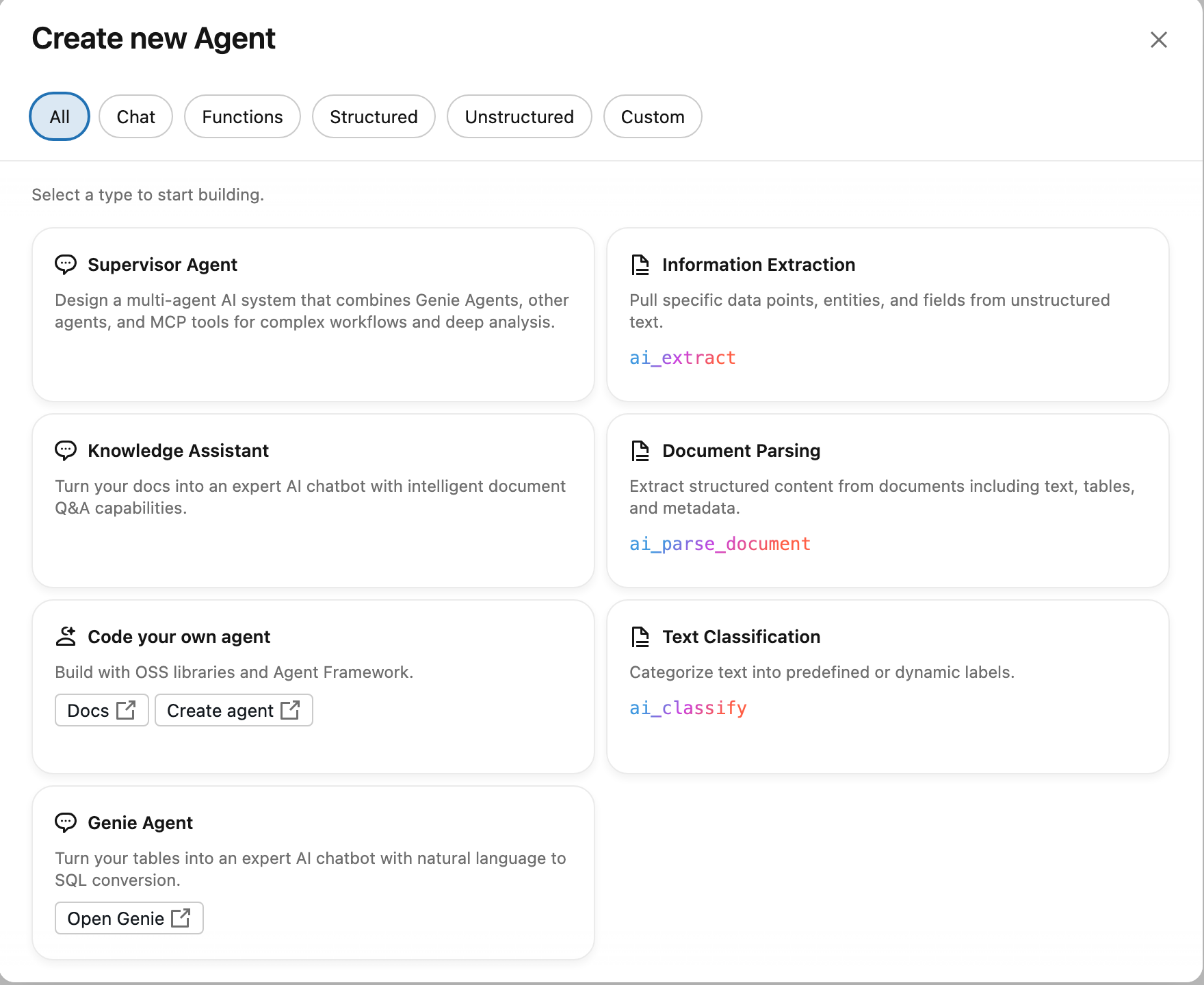
-
Name:
your-name maintenance and regulations. -
The builder opens with
python_execalready attached. Click Add a Genie Space and pick your Genie Agent from Lab 2. Description: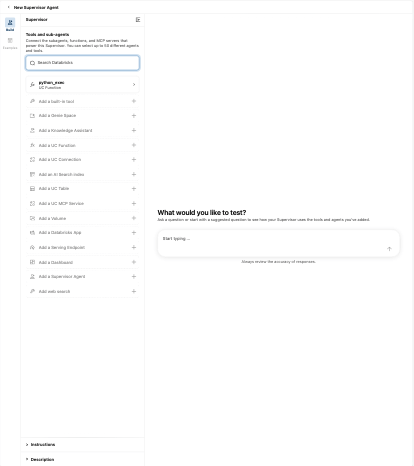
Use for questions about work orders, assets, technicians, units, dates, counts and trends. Data is in tables. -
Click Add a Knowledge Assistant and pick yours from Lab 4. Description:
Use for questions about what regulations or safety standards require, definitions, articles and documents. -
Open Instructions at the bottom of the left panel and paste:
Route each question to the most relevant agent. If a question needs both, call both and combine the answers. State which source each part of the answer came from. -
Test with the six questions from Part A in the right-hand panel, then save the agent. Compare with your predictions.
Part C: break it
- Change the Genie Agent description to
General assistantand the Knowledge Assistant description toHelps with questions. - Ask the six questions again. Count how many are routed correctly now.
- Restore good descriptions.
Check yourself
- Descriptions are the only thing the supervisor uses to route. What does that mean for how carefully they should be written?
- Question 5 needs both agents. Did the combined answer make sense? Would you trust it?
Stretch
Click Add a UC Function and attach your_catalog.your_schema.open_work_orders. Ask a question that the function answers faster than Genie would. Then check which permissions a user needs to run the supervisor end to end.